
This article has been updated to include a response from Formidable Forms at the end.
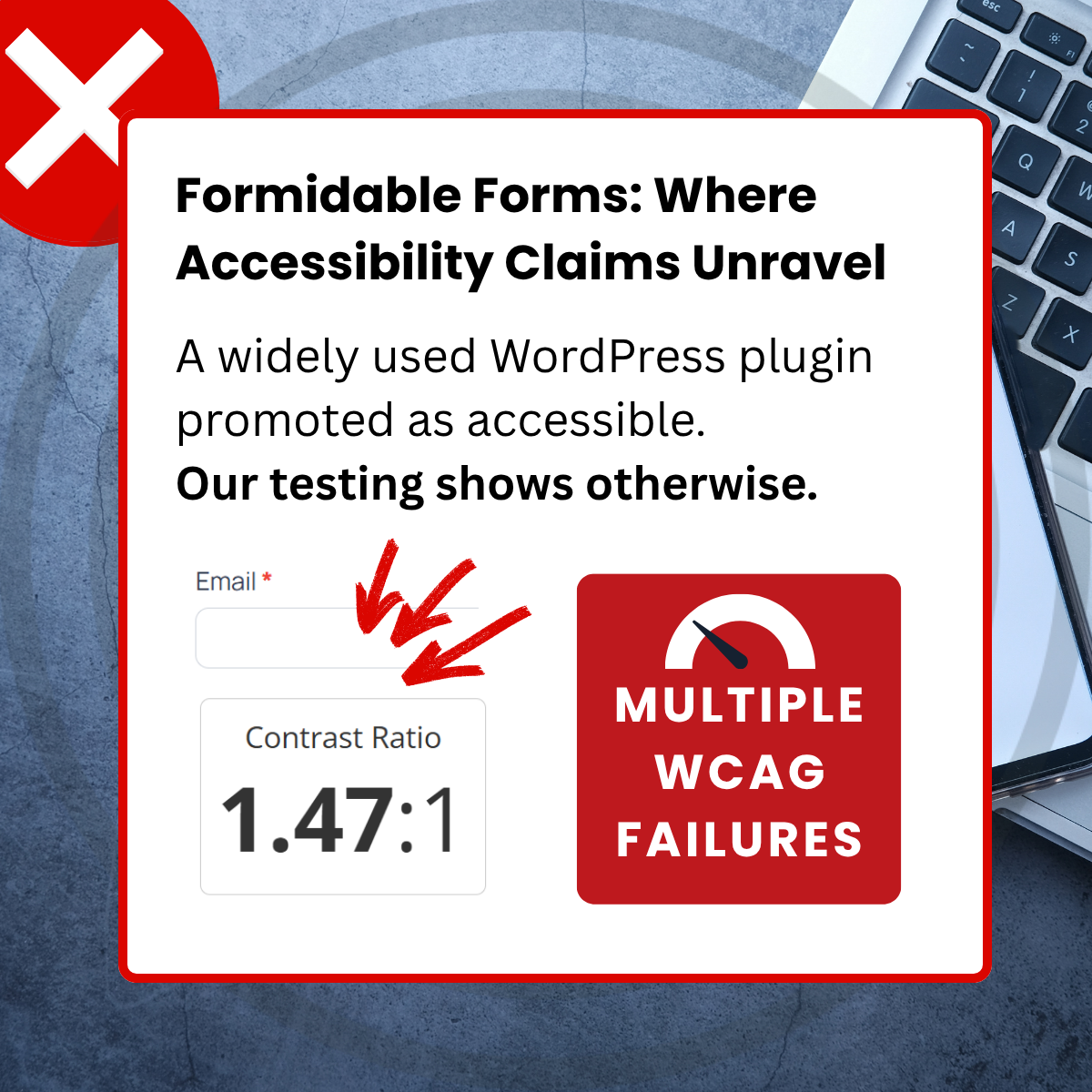
Formidable Forms is a widely used WordPress plugin promoted as accessible. Our testing shows otherwise.
Formidable Claims WCAG Accessible Forms
WCAG stands for the Web Content Accessibility Guidelines. Formidable Forms gives readers the impression of full WCAG and accessibility compliance, a high bar that few industries consistently meet.
We’re putting plugin accessibility claims to the test. Let’s get started by reviewing their opening claim:
“WCAG Accessible Forms + A11Y Compliance”
Alongside other statements of conformance such as:
“When it comes to ADA standards, WCAG and A11Y in website forms, Formidable is an industry leader.”
“…Get Formidable Forms and start building fully WCAG accessible WordPress forms”
Formidable’s claims may sound reassuring, but we found multiple WCAG failures. There is a clear gap between promise and experience for disabled users, including people who are blind, have low vision, cognitive disabilities, limited movement, or who use assistive technologies.
How is Formidable Measuring Accessibility?
Formidable measure accessibility using WAVE (an automated scan) and a short manual checklist. The WAVE result showed zero errors, which they appear to treat as sufficient. Their manual checks include mouse-free operation, TITLE attributes, and screen reader labelling.
While it is encouraging to see some effort being made, the use of the TITLE attribute is not required for digital accessibility. Other checks address only a limited number of WCAG Success Criteria, and the gap between the claims being made and actual conformance remains significant.

Automated tools only check the tip of the iceberg. Independent studies have found that tools like WAVE cover, at best, around 15 percent of WCAG success criteria.
Automated tools are useful for spotting surface-level issues, but they cannot verify whether a form is genuinely accessible. Unless Formidable Forms are clearly explaining how accessibility is being integrated into their product, with transparent steps and user-centred evidence, it is unlikely that inclusion is an ongoing part of their process.
What Formidable Forms Is Doing Well
Formidable Forms shows signs that accessibility has been considered at some point. Some features suggest that effort was made to support screen reader users, including:
- Use of standard HTML form controls
- Correct field labels
- Required and invalid states appropriately identified
- Some error messages correctly associated
Where Formidable Forms Falls Short
Despite some early signs of screen reader support, we found several WCAG failures in a basic form using default fields. Formidable says all versions are accessible, but these issues create real barriers for people with disabilities.
Not Entirely Screen Reader Friendly
Fails SC 1.3.1 – Info and Relationships
Screen readers in forms mode will not announce nearby text unless it is programmatically associated. This is especially important because users, including those who are blind or have low vision, often move between fields. If the message is not linked to the field, it will be missed.
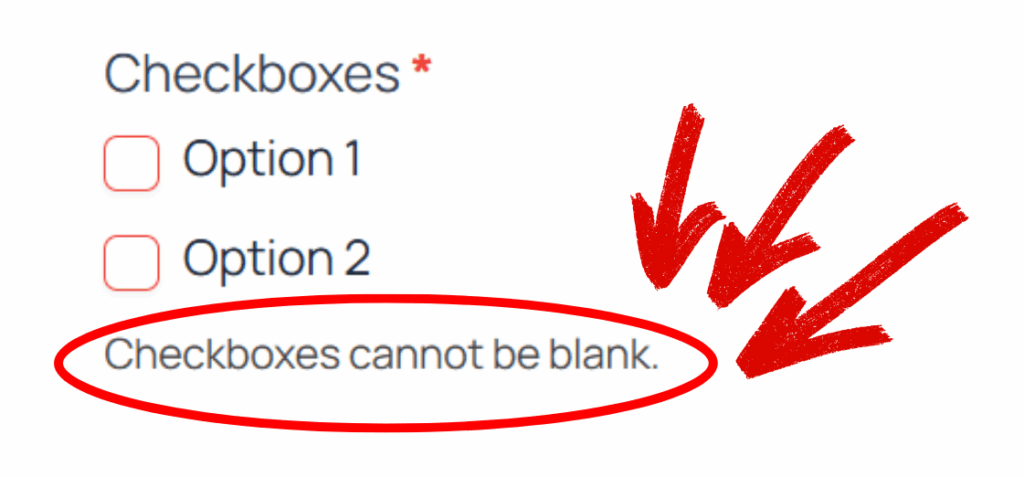
Error messages related to groups of fields, such as “Checkboxes cannot be blank” are not programmatically associated.
No Autocomplete Support
Fails SC 1.3.5 – Input Purpose
When autocomplete is missing or misconfigured, people with memory, motor, or language impairments may struggle to complete forms at all. Without access to their stored personal data, even basic tasks like entering a name, email, and phone number can become barriers.
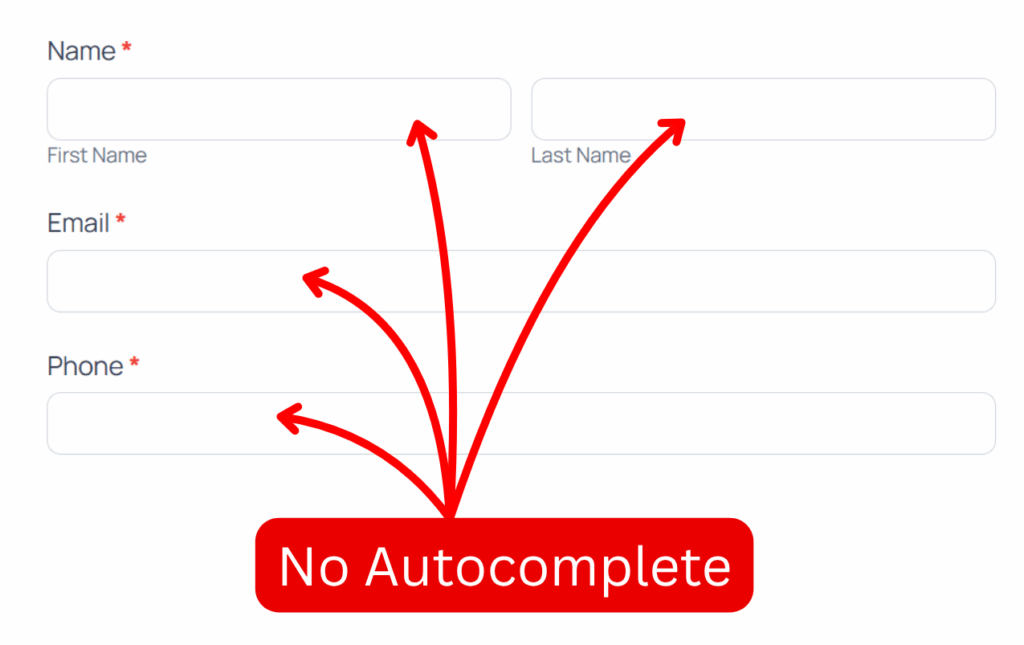
Personal fields such as first name, last name, email, and phone do not support autocompletion.
Poor Focus Visibility
Fails SC 1.4.1 – Use of Color
The submit button changes colour on focus, but not enough. Users navigating by keyboard, including those with low vision, cannot reliably see where they are.
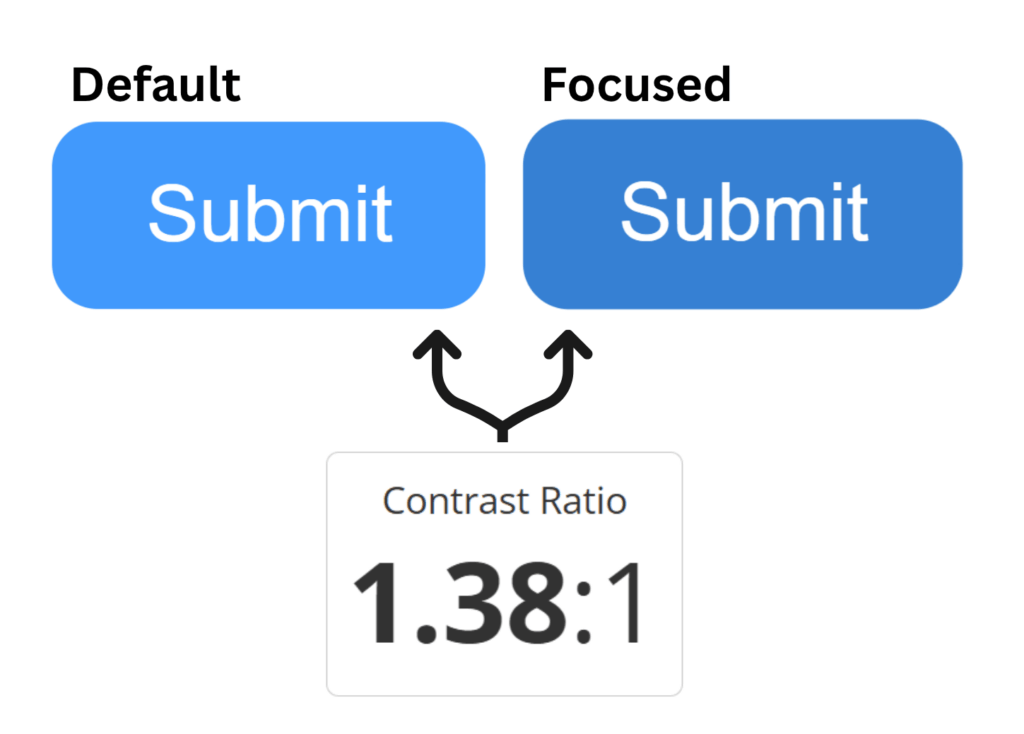
- Default state: #4199FD (blue)
- Focused state: #3680D3 (slightly darker blue)
- Contrast Ratio: 1.38:1 (minimum is 3:1)
Low Contrast Text
Fails SC 1.4.3 – Contrast (Minimum)
People with low vision cannot easily read text when it is presented on bright colours. The minimum contrast threshold of text against background is 4.5:1 in this context.
Submit Button
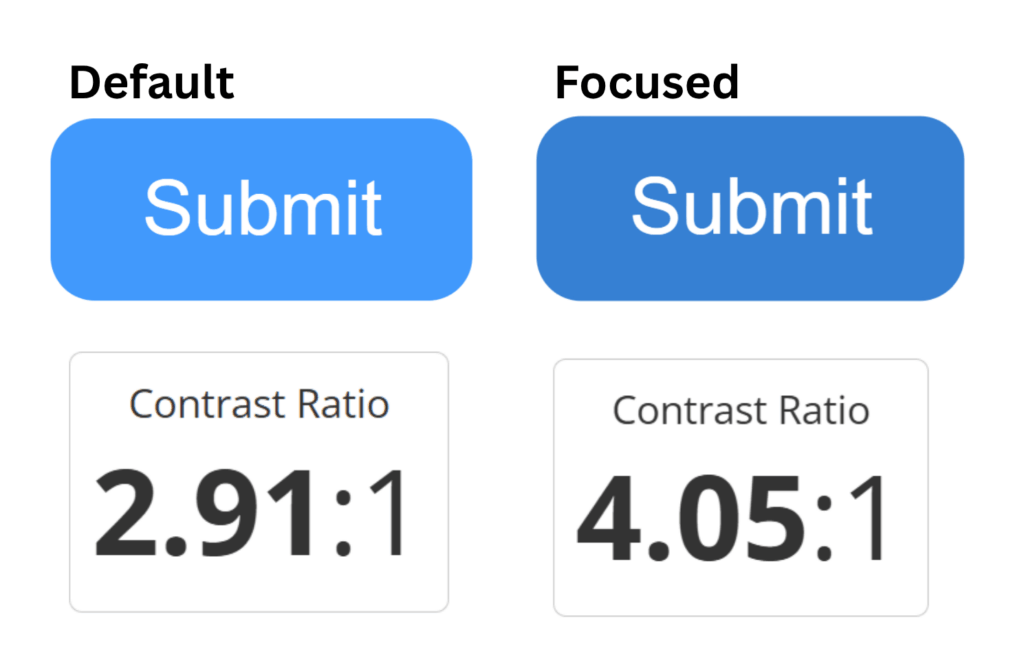
- Default Contrast Ratio: white on blue (#4199fd) = 2.91:1
- Focused Contrast Ratio: darker blue (#3680d3) = 4.01:1
Error Text
For example, “There was a problem with your submission. Errors are marked below.”
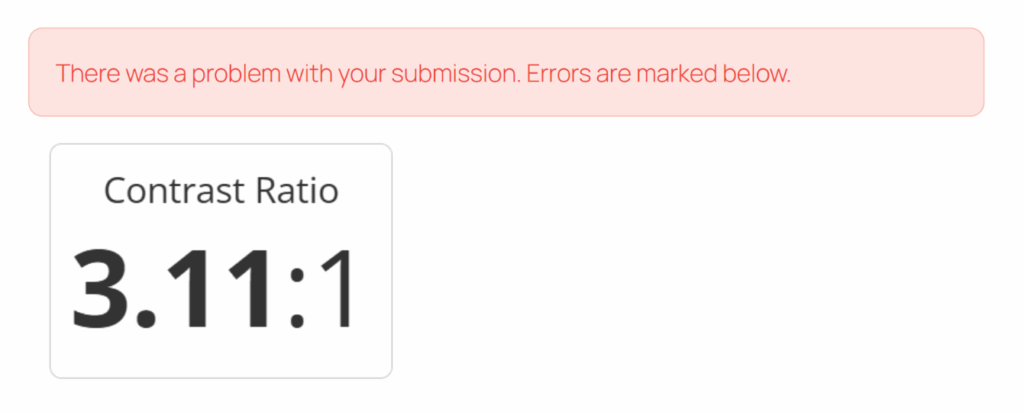
- Red text (#F04438)
- On Pink (#FEE4E2)
- Contrast Ratio = 3.11:1
Low Contrast Field Borders
Fails SC 1.4.11 – Non-Text Contrast
This makes fields hard to perceive for people with low vision.
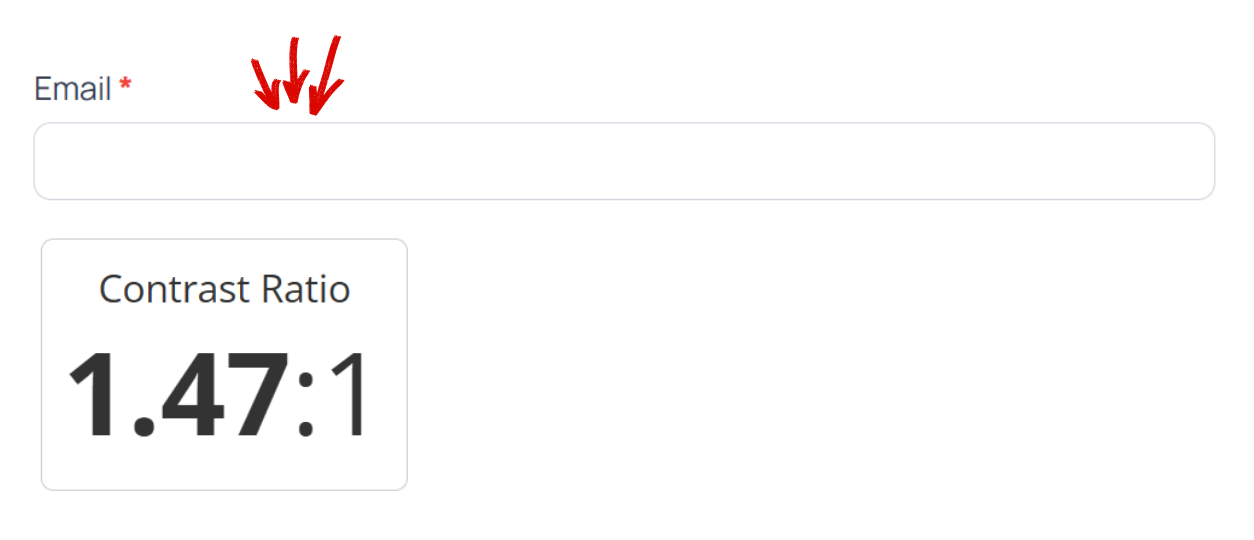
- Border colour: grey (#d0d5dd)
- Adjacent colour: white
- Contrast Ratio: 1.47:1 (minimum is 3:1)
Missing Labels and Instructions
Fails SC 3.3.2 – Labels or Instructions
People with cognitive, language, and learning disabilities cannot easily predict data formats.
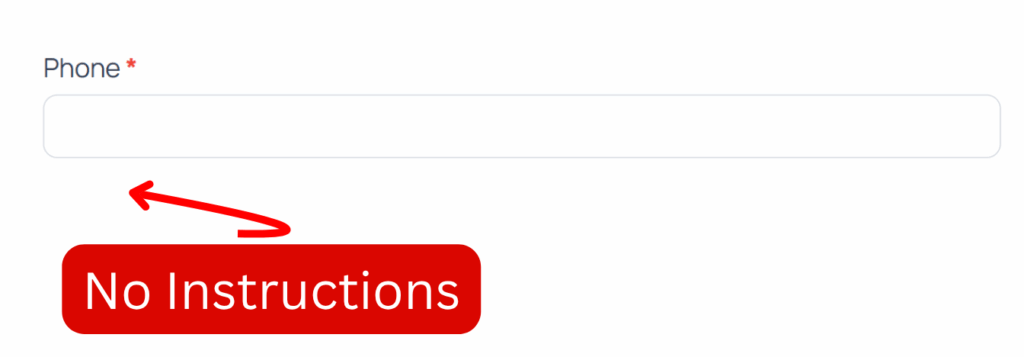
Validation rules are not explained in labels or instructions. For example, phone numbers cannot contain brackets or extra spaces, but users are not told this.
Poor Error Suggestions
Fails SC 3.3.3 – Error Suggestion
People with cognitive or motor disabilities cannot easily correct their input without descriptive error messages.
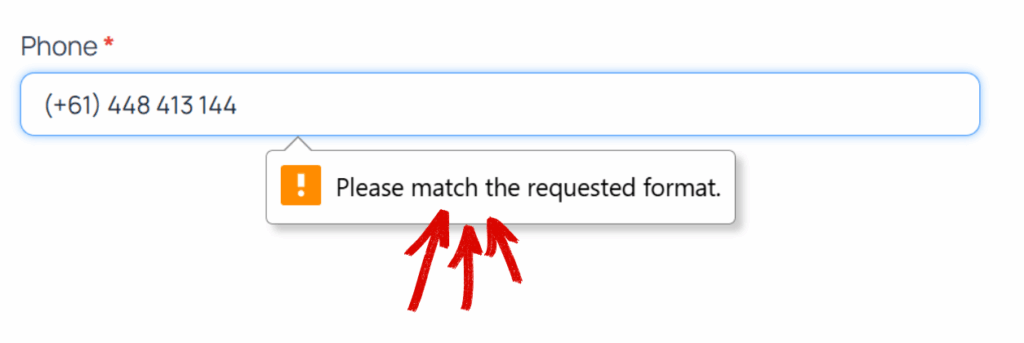
When users enter the wrong format, they see vague messages like “Please match the requested format.”
Summary
Formidable Forms markets itself as accessible. But our testing shows it fails multiple WCAG criteria right out of the box.
So what does “accessible” really mean? From a user’s point of view, it can be hard to tell what’s genuine conformance and what’s marketing fluff. That’s exactly what we’re exploring next at Tab-able. We want to help you build forms that work for everyone.
Plugin Users: if you’re ever unsure about a plugin’s accessibility claims, ask us to review it before you install.
Plugin Authors: We share these findings to inform, not to criticise. Partner with us to turn them into clear, practical accessibility.
Response from Formidable Forms
Formidable Forms have taken the feedback seriously and responded with the following points:
- [SC 1.3.1] This will be resolved internally
- [SC 1.3.5] Autocompletion is available as a field on the Pro version, but free versions can amend the shortcode in custom HTML
- [SC 1.4.1, SC 1.4.3, SC 1.4.11] Acknowledged
- [SC 3.3.2, SC 3.3.3] Not resolved at the moment.


Comments
2 responses to “Formidable Forms: Where Accessibility Claims Unravel”
Just a note that autocompletion for personal fields like first name, last name, email, and phone is actually a built-in feature already – at least in the Pro version of the plugin.
You can enable this feature by using the autocomplete option in your field settings. More details are available in our documentation here: https://formidableforms.com/knowledgebase/single-line-text/#kb-autocomplete-attribute
[…] Formidable Forms: Where Accessibility Claims Unravel Tab-able: a widely used WordPress plugin promoted as accessible. Our testing shows otherwise. […]