
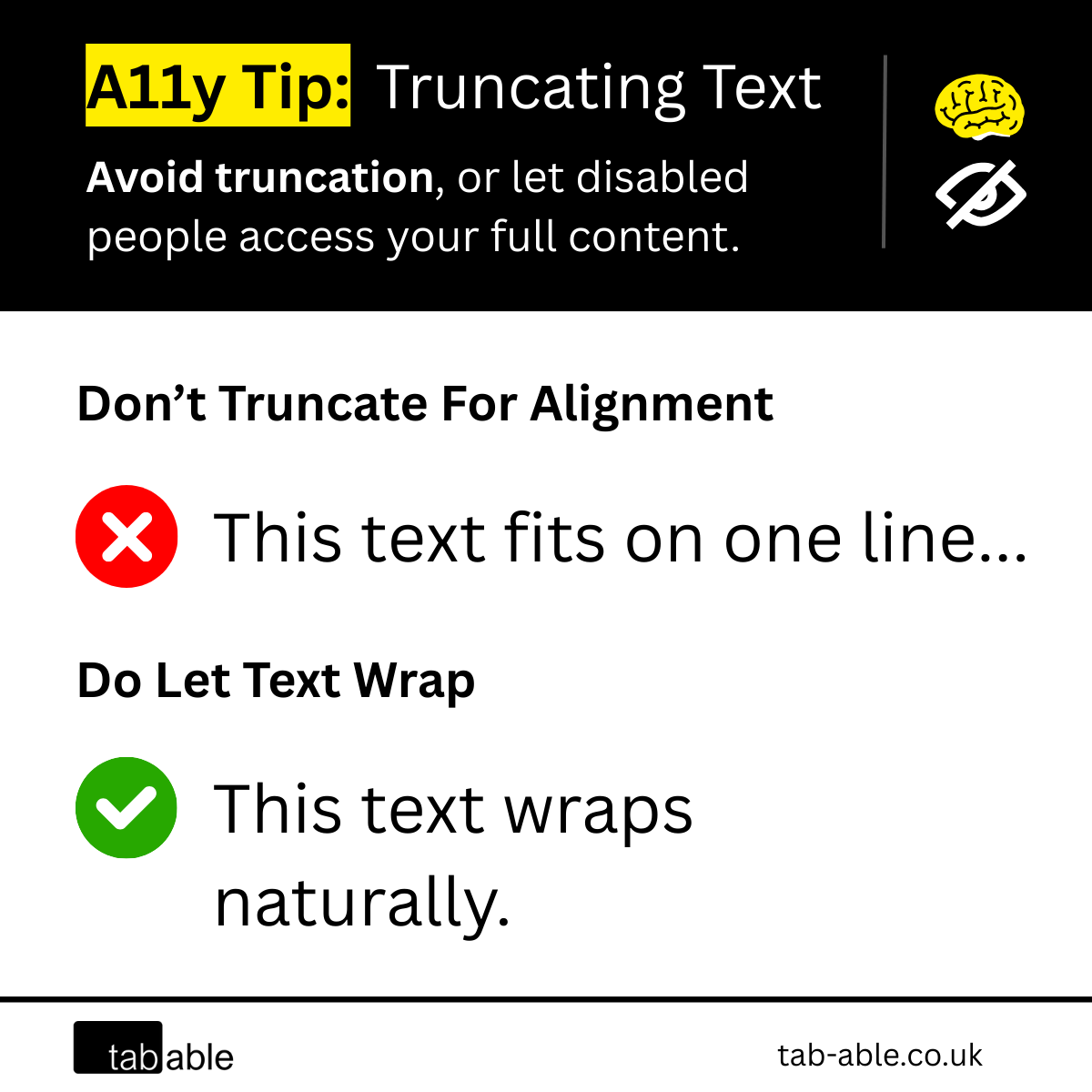
Truncating text with an ellipsis (…) may preserve layout, but it risks excluding users with low vision or cognitive disabilities who rely on full content for understanding.
If you’re using CSS properties like text-overflow:ellipsis to force horizontal alignment, that may be the source of the accessibility issue.
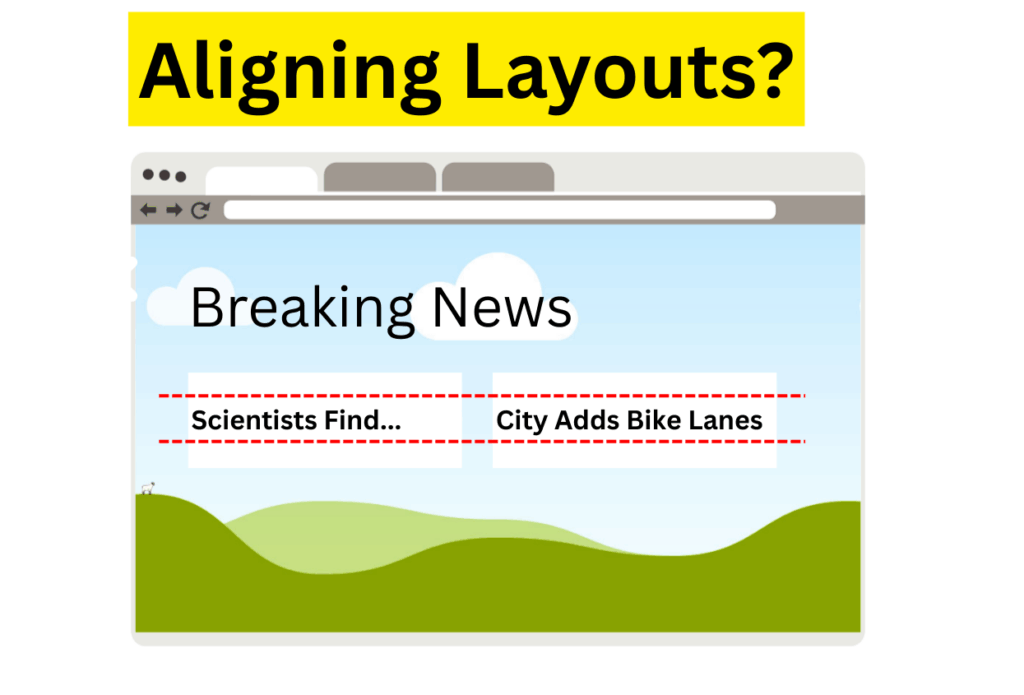
Accessibility Issue
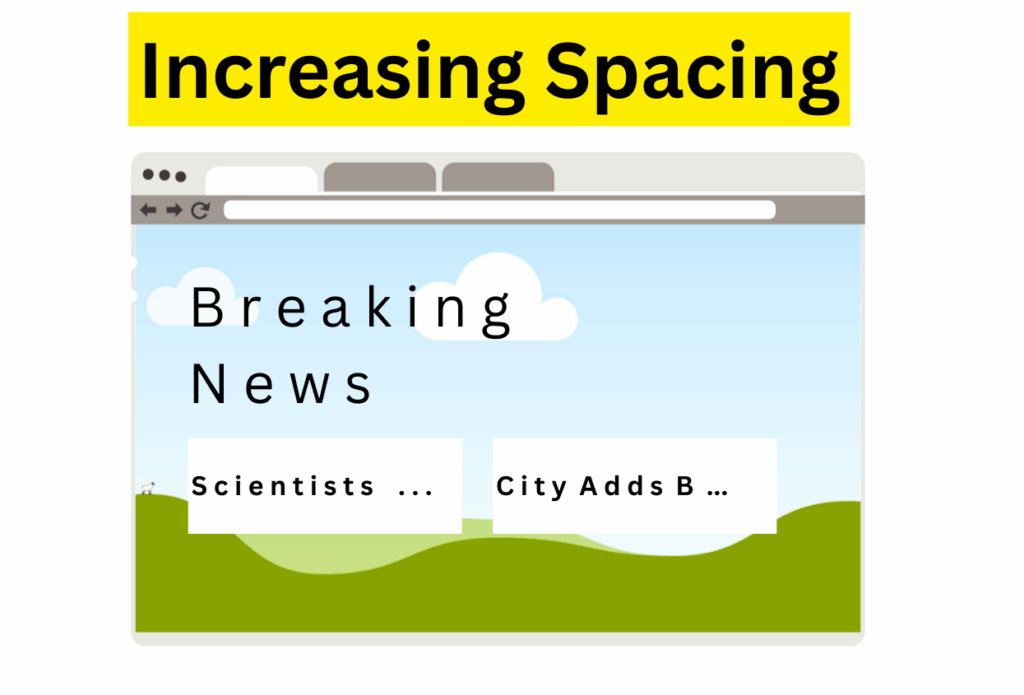
Truncated text can break context for users who zoom or adjust spacing, leaving them with cut-off content and no way to access the full message. What others see as a design choice, they experience as a barrier.
Who It Affects
- People with cognitive disabilities that increase text properties such as letter-spacing and word-spacing.
- People with low vision that increase the size of text or magnify the page.
Accessibility Tip
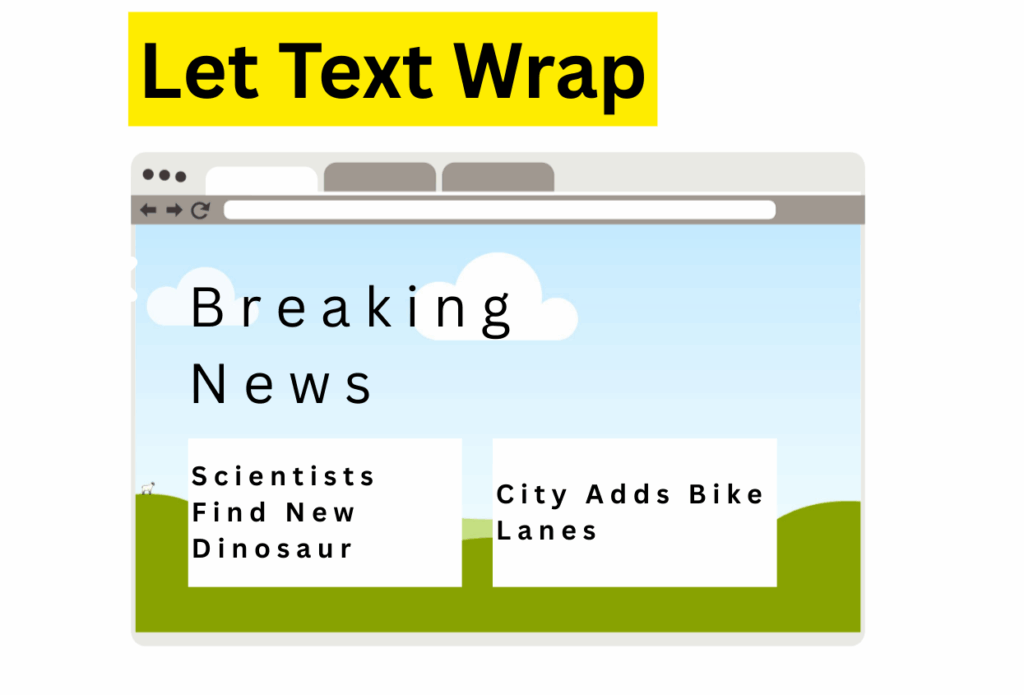
Avoid constraining information with ellipses or truncation. Let text wrap naturally, it’s how the web is designed to work.
If truncation is essential, set a fixed word limit so the same content is truncated for all users. Use HTML to apply the ellipsis after the set number of words, ensuring consistency across devices, zoom levels, and user settings.
WCAG Truncation Requirements
Truncation is generally non-compliant unless users can access the full content.
For example, an email subject line may appear truncated at first, but expands to reveal the full content when activated.
People with low vision and cognitive disabilities are covered in multiple WCAG Success Criteria (SC):
- SC 1.4.4 Resize Text: information cannot be lost if people choose to zoom in 200% from any responsive version of the page.
- SC 1.4.12 Text Spacing: information cannot be lost if people choose to modify text properties to a range specified in the criterion.