
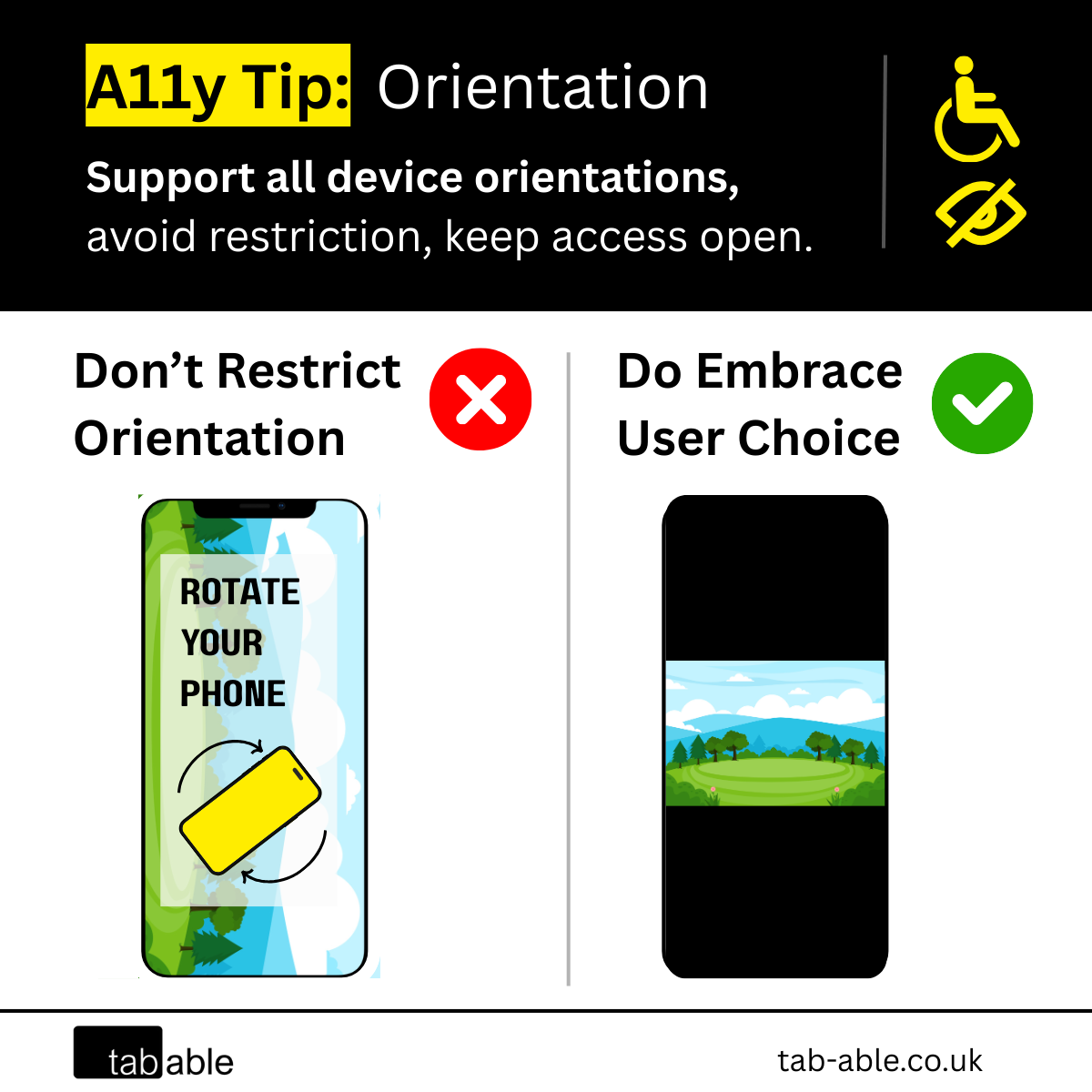
Is your site limited to a single screen orientation?
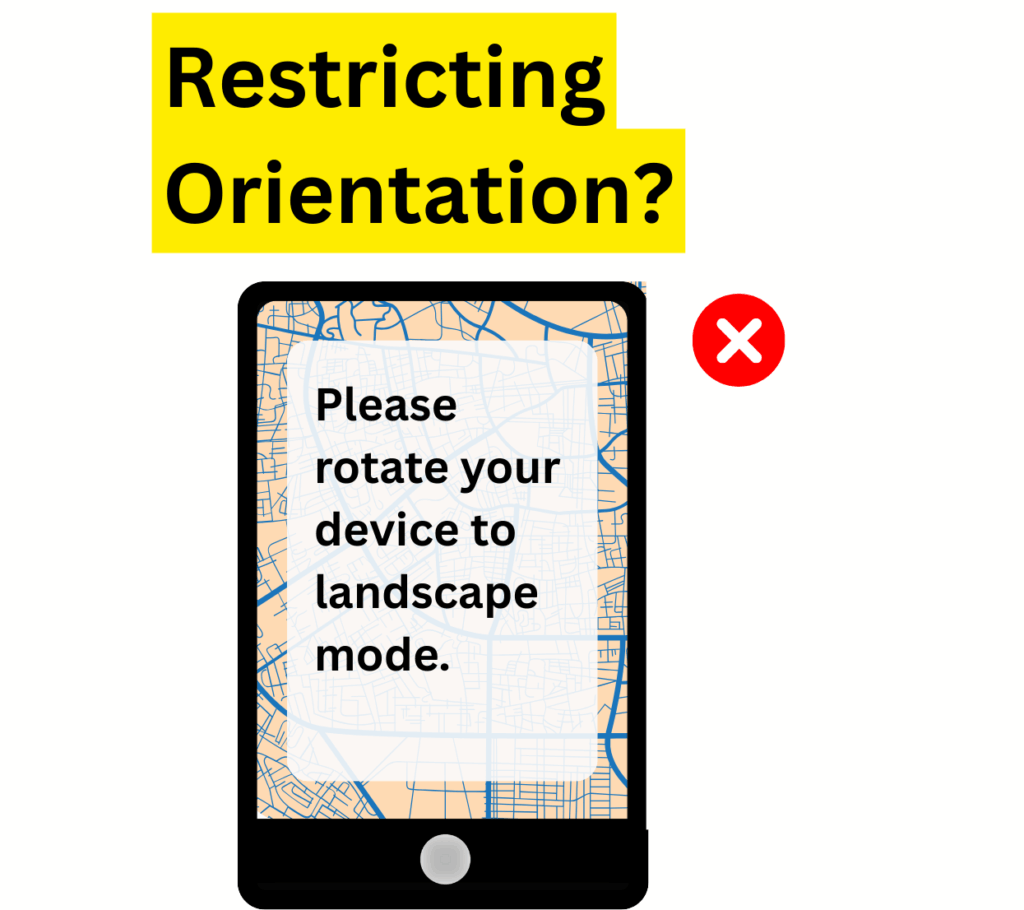
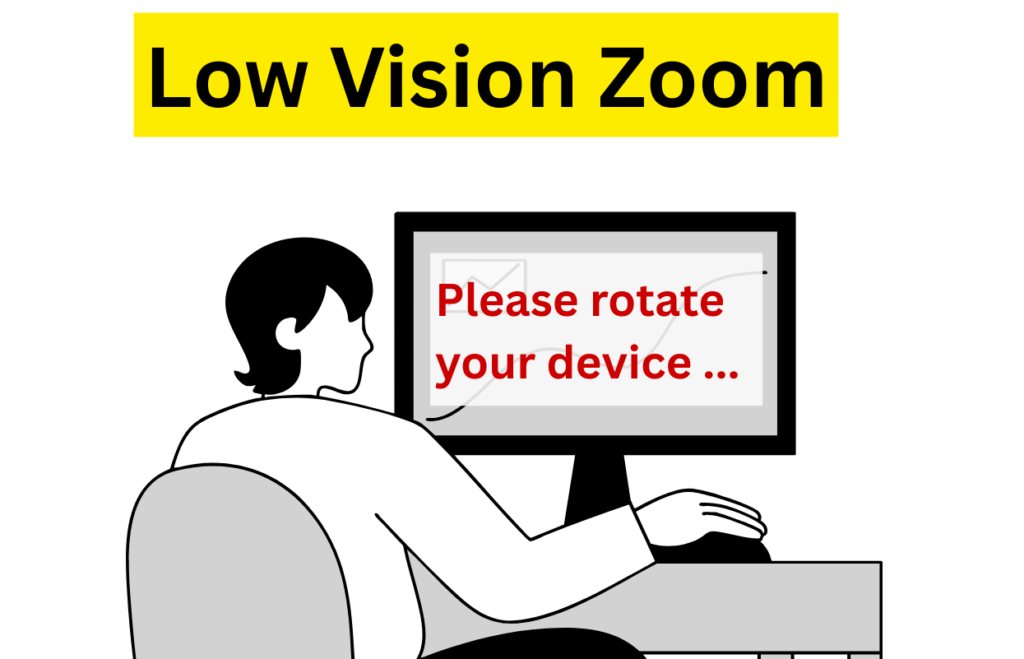
Do users see a message like “Please rotate your device” when accessing it in portrait mode?
If you’re designing content only for landscape or portrait you might be limiting access for your intended audience.
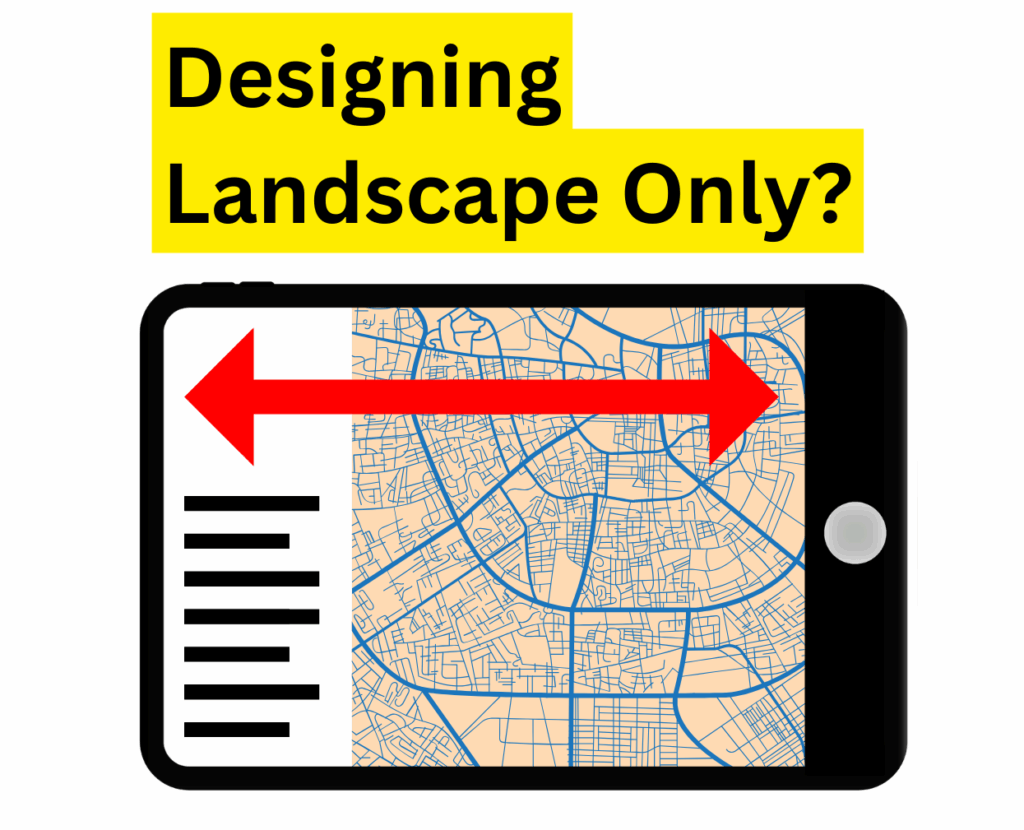
This approach may unintentionally exclude users with disabilities, including those with dexterity challenges or low vision.
The use of CSS media queries such as landscape or portrait could be contributing to the accessibility issue.
Accessibility Issue
Websites that force portrait or landscape mode can make it hard for people who can’t rotate their device or prefer a certain view.
Messages that ask users to rotate their device generally obscure content and limit access.
Who Is Affected
People with Dexterity Impairments
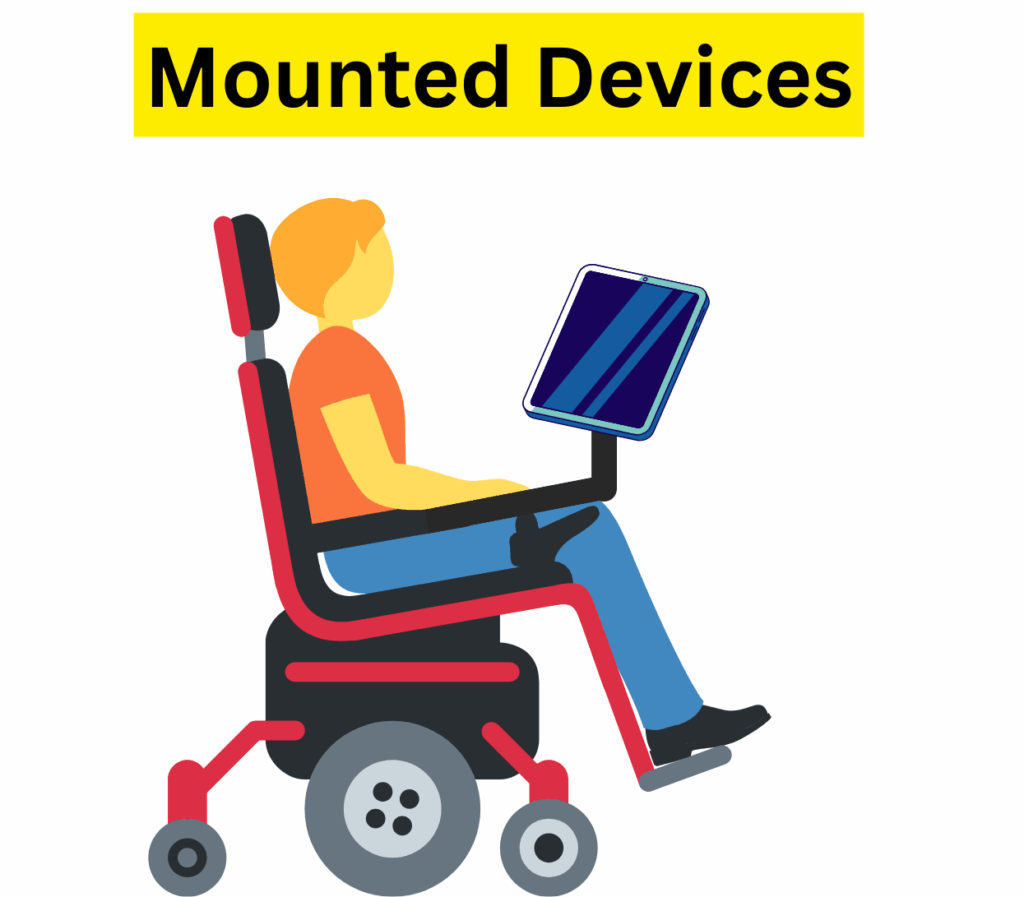
People whose devices are physically mounted to wheelchairs or who lack the ability to rotate them.
People with Low Vision
People with low vision who zoom in from a landscape monitor to improve readability.
Accessibility Tip
Avoid restricting your website to a single orientation.
Content should be usable in whichever orientation the user has chosen.
A common design misstep is starting with desktop as the default.
It’s tempting to use all that space and build complex layouts that depend on multiple elements being visible at once.
To prevent these issues from surfacing later, begin with a mobile-first mindset.
And when you do, make sure to support both orientations from the start.
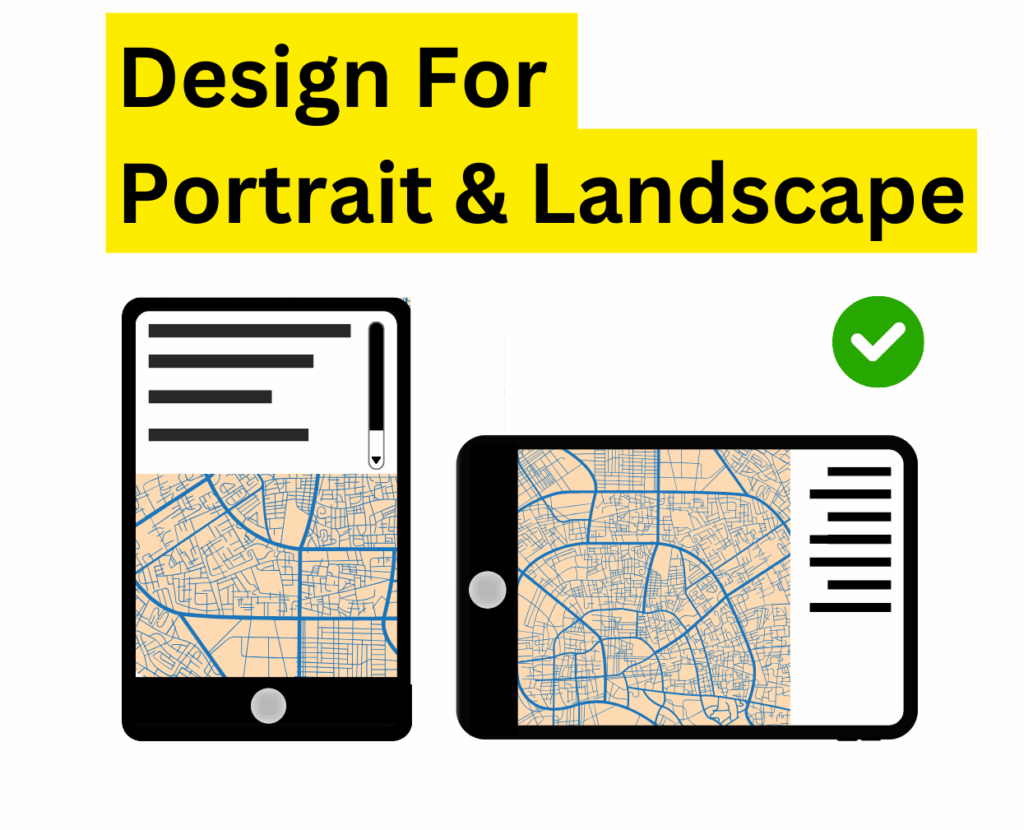
As the designer or developer, you have the creative freedom to make your site inclusive without compromising functionality.
Modern design techniques allow content to adapt to smaller or differently shaped screens.
There is rarely a technical reason to restrict orientation completely.
WCAG Orientation Requirements
Orientation restrictions are generally not compliant with WCAG standards.
Exceptions apply only when content cannot function in another orientation, such as piano apps or VR interfaces.
Note: Examples where a particular display orientation may be essential are a bank check, a piano application, slides for a projector or television, or virtual reality content where content is not necessarily restricted to landscape or portrait display orientation.
To ensure accessibility, it’s best to avoid enforcing orientation restrictions. These limitations are rarely necessary for most websites and can create barriers for users.