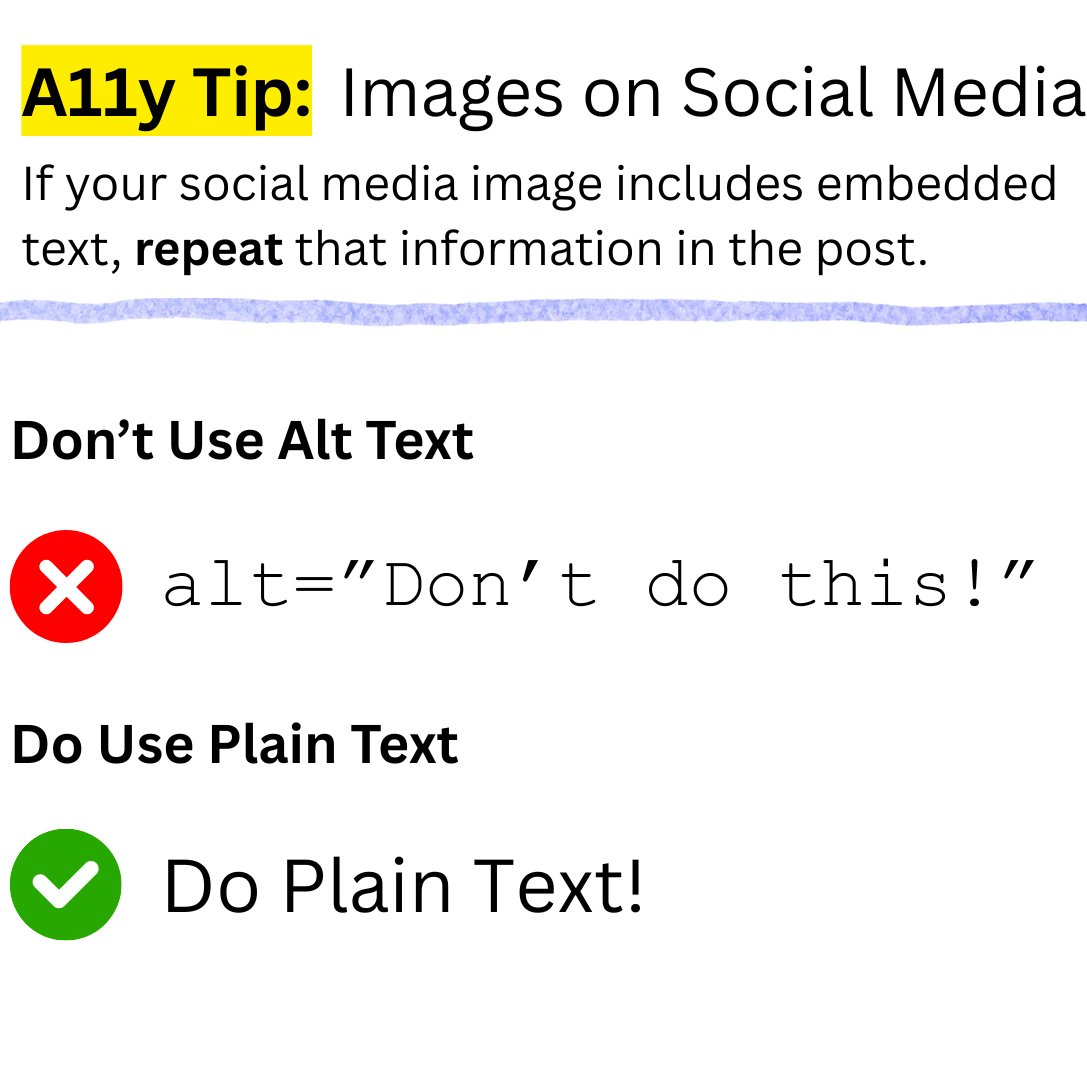
Most images on social media contain embedded text. But text inside an image can’t be read by many people with disabilities.
Accessibility Issue
Text inside images cannot be edited and may blur when enlarged. This creates problems for people who rely on readable, adjustable content.
Alt text helps screen reader users, but it doesn’t support everyone. The most common disability is cognitive, not blindness.
Clarification: the issue applies only to images containing full embedded text. In most cases, the image can be described in a summary sentence, which should still be included in the alt text.
Simply including all the embedded image text in the alt attribute does not resolve this accessibility issue.

Who It Affects
- People with low vision who enlarge the page may see the text as blurred or distorted.
- People with low vision or cognitive disabilities who rely on custom spacing cannot adjust text inside images.
Accessibility Tip
If your social media image includes embedded text, repeat that information as plain text in the post.
Plain text scales cleanly and allows users to adjust spacing. Image text does not.
Your image should include a short summary in the alt text. Some screen reader users choose to navigate pages by focusing on images, so a concise description helps them understand the content.

WCAG Contrast Requirements
WCAG Success Criterion 1.4.5 Images of Text says that text in images must have an accessible text alternative.
There are two exceptions:
- The text in the image can be customised by the user.
- The text is essential and changing it would lose meaning. For example, modifying a brand logo would make it unrecognisable.